How Do You Know If a Facebook Page Is Running Ads? The 2026 Competitor Intelligence Guide
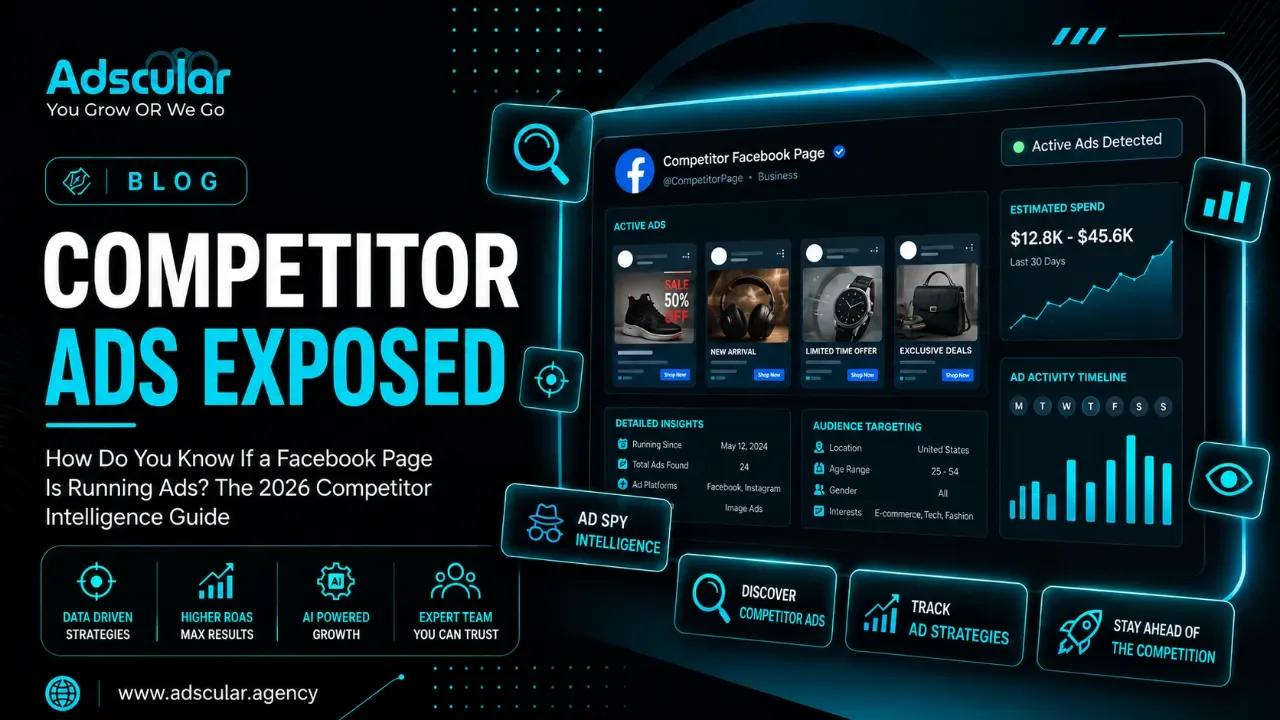
The Fastest Way to See What Your Competitors Are Spending On Meta Ads
Written by the Adscular Agency growth team | June 24, 2026 | 8 min read
Introduction:
Quick Answer: You can see every ad any Facebook page is currently running — for free, in under 60 seconds, without a Facebook account — using the Meta Ads Library at facebook.com/ads/library. Search the page name, set the filter to "Active," and every live ad appears: the creative, the copy, the CTA, the platforms, and as of 2026, the impression range and cumulative spend data. No login required. No paid tool needed.
At Adscular Agency, we build and manage Meta Ads campaigns for US businesses across legal, healthcare, SaaS, home services, and e-commerce — and competitor ad research using the Meta Ads Library is one of the first things we do for every new client. What we find consistently is that most business owners don't know this tool exists, and those who do aren't using it beyond a basic search. This guide fixes both problems.
How Do You See If a Facebook Page Is Running Ads?
Go to facebook.com/ads/library, select your country, choose "All Ads" as the category, type the page name into the search bar, and select the correct page from the dropdown. If the page is running ads, you'll see every active creative instantly. If nothing appears, the page is not currently running paid ads on Meta.
This is the official Meta Ads Library — formerly called the Facebook Ad Library — and it shows every active ad running across Facebook, Instagram, Messenger, Threads, WhatsApp, and the Audience Network. Meta built it for advertising transparency, but for business owners and marketers, it doubles as a free competitive intelligence tool.
Why Knowing If a Competitor Is Running Facebook Ads Matters for Your Business
Your competitors are running real-time experiments on Facebook every day — testing hooks, offers, creative formats, and CTAs on cold audiences with real budget. Every ad they keep running for 30, 60, or 90+ days is an ad that's working. And until recently, you had no way to see any of it.
The Meta Ads Library changes that. An ad that has been running for 60 or more days without being paused is almost certainly profitable.Nobody funds a losing ad for three months. That runtime signal alone is worth more than any market research report you could buy.
For US business owners considering Meta ads — or already running them — this intelligence answers three questions that directly affect your own campaigns:
- What offers are your competitors promoting right now?
- What creative formats are they scaling (video, carousel, static image)?
- What messaging angles are they testing versus sustaining long-term?
Understanding what's working in your market before you spend your first dollar in ads is the difference between a campaign built on data and one built on guesswork. If you're comparing whether Meta or Google is the right starting channel for your budget, read our breakdown of Google Ads vs Meta Ads for lead generation.
How to Check If a Facebook Page Is Running Ads: Step-by-Step
Method 1: Meta Ads Library (Free — The Right Way)
- Open your browser and go to https://www.facebook.com/ads/library — no login required for most searches.
- Select your country from the first dropdown. Set this to "United States" if you're researching US-market competitors. This filter results in ads targeting US audiences.
- Set the ad category to "All Ads." This is the default for non-political ad research. The "All Ads" setting is what you need for competitor analysis of any standard business.
- Type the Facebook page name into the search bar. As you type, a dropdown list of matching pages appears. Click the correct page — look for the verified checkmark or the follower count to confirm you've got the right one.
- Set the delivery status filter to "Active." This shows only ads the page is currently running. Leave it on "All" if you want to see historical ads they've tested and paused.
- Read the results. If ads appear, the page is running paid campaigns right now. Each result shows the creative (image, video, or carousel), the headline, the body copy, the CTA button, and the platforms the ad is running on. Scroll through every active ad.
- Check the start date. Each ad shows when it was first published. Any ad running for 30+ days is worth noting. Any ad running 60+ days is a proven performer — this is your most important signal.
- Expand ad variants. Meta groups related creatives under one listing. Click "See ad details" to expand all variants — this reveals how many versions of the same concept the page is testing simultaneously.
Method 2: Via the Facebook Page Itself
If you're already on a competitor's Facebook page, scroll down the left sidebar to find the "Page Transparency" section. Click "See All," then click "Go to Ad Library." This jumps you directly to that page's ad results inside the Meta Ads Library.
Note: Meta removed the old in-page "Ads" tab that showed sponsored content directly on the page. The Page Transparency section now redirects to the Meta Ads Library. Many older guides still reference the old location — it no longer exists.
Method 3: From a Sponsored Post in Your Feed
When you see a competitor's sponsored post while scrolling Facebook or Instagram, tap the three-dot menu (⋯) on the post and select "Why am I seeing this ad?" or "About this ad." This links directly to that specific ad's entry in the Meta Ads Library — useful for spot-checking ads that reach you as part of their targeting.
What Can You Actually See in the Meta Ads Library?
This is where most guides fall short. They tell you how to access the tool but not what the data actually tells you — and equally important, what it doesn't.
What the Meta Ads Library Shows You (and What It Doesn't)
|
Data Point |
Visible? |
What It Tells You |
|
Ad creative (image, video, carousel) |
✅ Yes |
Format strategy and visual direction |
|
Ad copy and headline |
✅ Yes |
Messaging angles and offer positioning |
|
CTA button type |
✅ Yes |
Funnel goal (Shop Now, Learn More, Contact Us) |
|
Ad start date |
✅ Yes |
How long the ad has been running |
|
Platforms (Facebook, Instagram, etc.) |
✅ Yes |
Where they're placing budget |
|
Impression range (NEW 2026) |
✅ Yes |
Estimated reach bucket (<1K to 1M+) |
|
Cumulative 12-month spend (NEW 2026) |
✅ For select advertisers |
Total spend signal for major advertisers |
|
Low Impression badge (NEW Dec 2025) |
✅ Yes |
Flags underperforming or test ads |
|
Active vs inactive status |
✅ Yes |
Whether the ad is currently running |
|
Exact ad spend |
❌ No |
Cannot see budget or daily spend |
|
Targeting (audiences, interests, lookalikes) |
❌ No |
Cannot see who they're targeting |
|
Performance metrics (CTR, ROAS, CPA) |
❌ No |
Cannot see if the ad is actually converting |
|
Landing page destination |
❌ Not always |
Some link through, most don't show the URL |
The single most important thing to understand:
The Meta Ads Library shows you what a competitor is saying — not whether it's working. A running ad is not a proven winner. A running ad that's been active for 60+ days with multiple creative variants is a strong signal of a proven winner. That distinction is everything.
The 2026 Meta Ads Library Updates That Change the Game
Meta rolled out four significant updates between December 2025 and early 2026 that make the Ads Library considerably more useful for competitive research:
Impression range filtering (all ads):
Previously, impression data was only available for political ads. As of 2026, every ad in the library shows an impression range: under 1K, 1K–5K, 5K–10K, 10K–50K, 50K–100K, 100K–500K, 500K–1M, and 1M+. You can now filter competitors' ads by reach — immediately surfacing which creatives they're actively scaling.
12-month cumulative spend data:
Advertiser profile pages now display rolling 12-month cumulative ad spend for thousands of commercial advertisers. This is the first time Meta has exposed commercial advertiser spend at scale. For competitive forecasting, this tells you which competitors are investing heavily in Meta versus running minimal test budgets.
Low Impression Count badge:
Any ad that has reached fewer than 100 people displays a "Low Impression Count" badge. This lets you filter out test ads and failed launches instantly — focusing your research only on ads that have actually reached an audience.
Threads and WhatsApp as standalone filters:
You can now isolate ads running specifically on Threads or WhatsApp — useful for seeing how competitors adapt messaging to newer placements and whether they're investing in click-to-WhatsApp conversion funnels.
How to Turn Competitor Ad Intelligence Into Your Own Campaign Advantage
Seeing a competitor's ads is useful. Knowing what to do with what you see is what actually improves your campaigns. Here's the framework we use at Adscular Agency when conducting competitor ad research for clients.
Step 1: Identify the Long-Running Ads First
Filter by "Active" and sort by start date (oldest first). Any ad running for 60+ days is your priority — this is the creative the competitor has validated with real spend. Screenshot it. Note the hook, the offer, the CTA, and the format.
Step 2: Look for Creative Patterns Across Multiple Competitors
Don't just research one page. Search 3–5 competitors in your category. When the same creative format (short video, testimonial carousel, problem-solution hook) appears across multiple advertisers who are all running long-term, the market has validated that structure. That's your creative brief starting point.
Step 3: Find the Messaging Gap
After reviewing competitors, list every angle they're using: price, speed, expertise, credentials, guarantees, social proof. Now identify what none of them are saying. That gap is your differentiation opportunity. If every competitor in your category leads with "free consultation," and nobody mentions response time or case success rates, you have an untapped angle.
Step 4: Check Impression Ranges to Identify What's Scaling
With the 2026 impression range filter, sort competitor ads by highest impression bucket. Ads in the 100K–500K or 500K–1M+ range are being actively scaled. These are the ads getting the budget behind them — not just being kept alive passively. Prioritize these for your creative analysis.
Step 5: Translate Insights Into One Testable Hypothesis
Don't copy competitor ads. Instead, extract the principle: "Law firms in my city are all using before-and-after testimonial videos — I'll test a client success story video in the same format but lead with a specific outcome dollar amount rather than a general story." That's a testable hypothesis, not imitation.
Real-World Result: What This Looks Like in Practice
Hartwell & Crane LLP, a Dallas-based personal injury law firm, came to Adscular Agency frustrated with their Meta Ads performance. They were spending $6,500/month and generating 14 case inquiries. Cost per inquiry: $464.
Before rebuilding their campaigns, we ran a full Meta Ads Library analysis of the top 6 personal injury law firms advertising in the Dallas market. What we found: every competitor was running static image ads with generic "free consultation" messaging and a phone number CTA. Not one firm was running video. Not one was leading with a specific outcome ("We recovered $2.4M for our last 10 clients").
We rebuilt Hartwell & Crane's creative around 30-second client video testimonials with specific settlement amounts in the headline, a "No fee unless we win" guarantee in the first 5 seconds, and a "Message us now" CTA driving to a Facebook Lead Form rather than a landing page.
Result after 60 days: 41 case inquiries at $112 cost per inquiry on the same $6,500/month budget. The insight came directly from understanding what every competitor was not doing. This is the ROI of competitor ad intelligence done right.
For a deeper look at how Meta Ads compare to Google Ads for lead generation across different business types, before you commit to a paid channel, those guides will help you build the right foundation.
Want to Know Exactly What Your Competitors Are Running on Meta — and What It Would Take to Beat Them?
At Adscular Agency, we run full competitor ad audits as part of every Meta Ads engagement. We'll pull every active ad your top 3–5 competitors are running, identify the creative gaps, and build a campaign strategy designed to out-position them — not just outspend them.
Talk to Adscular Agency About Your Meta Ads Strategy → No commitment. We'll show you what we find before you spend a dollar.
Frequently Asked Questions
How do I see what ads a Facebook page is running?
Go to facebook.com/ads/library, select "United States" as the country, choose "All Ads" as the category, and search the page name. Select the correct page from the dropdown. Every ad the page is currently running appears immediately — no login or paid tool required. Set the delivery filter to "Active" to see only current campaigns.
Is the Meta Ads Library free to use?
Yes. The Meta Ads Library is completely free and requires no Facebook account for most searches. Meta built the tool to comply with advertising transparency regulations, which means every active ad across Facebook, Instagram, Messenger, Threads, WhatsApp, and the Audience Network is publicly searchable at no cost.
What is Facebook ads transparency and how does it work?
Facebook ads transparency refers to Meta's policy of making all active ads publicly viewable through the Meta Ads Library. Meta introduced this policy in 2018 in response to concerns about political advertising and has since expanded it to cover all commercial ads across all platforms in the Meta ecosystem. The Meta Ads Library stores active ads and keeps inactive ads in an archive for up to 12 months after they stop running.
Can I see how much a competitor is spending on Facebook ads?
Not exactly — but the 2026 updates bring you closer than ever. The Meta Ads Library now shows impression range buckets (under 1K up to 1M+) for every ad, and advertiser profile pages display 12-month cumulative spend data for thousands of major commercial advertisers. You cannot see the exact daily budget or CPM figures, but an ad in the 500K–1M impression range with a 90-day runtime tells you clearly that a serious budget is behind it.
What does it mean if a Facebook page has no ads in the library?
If a page shows no results in the Meta Ads Library under "Active" status, the page is not currently running paid ads on Meta. It may have run ads in the past — switching the filter to "All" (including inactive) will show historical campaigns. A page with no ad history at all either has never run paid campaigns or operates under a different page name than the one you searched for.
Can you see who a Facebook page is targeting with their ads?
No — and this is the single biggest limitation of the Meta Ads Library for US advertisers. Targeting parameters (custom audiences, lookalike audiences, interest targeting, geographic targeting beyond EU/UK) are not visible in the library for US-based ads. For ads targeted at audiences in the EU or UK, Meta is legally required to display age, gender, and location targeting data. US advertisers don't have access to this information through the library.
The Bottom Line
Every Facebook page running ads is publishing their competitive strategy in public — for free, in real time, updated daily. The Meta Ads Library puts that intelligence one search away. The business owners and marketers who use it systematically — checking long-runtime ads, filtering by impression range, and translating patterns into testable creative hypotheses — consistently outperform competitors who build campaigns in a vacuum.
Seeing a competitor's ads is free. Knowing what to do with what you see is where most people stop. If you want Adscular Agency to run a full competitor ad analysis for your category — and build the Meta Ads campaign designed to close the gaps we find — contact Adscular Agency here. We'll show you what your competitors are running and exactly how we'd beat them.
Want to go deeper on Meta's paid advertising ecosystem? explore our Meta Ads management service for US businesses to see how we build campaigns that use competitive intelligence from day one.