TikTok Ads Manager: The Complete Beginner's Guide for US Businesses
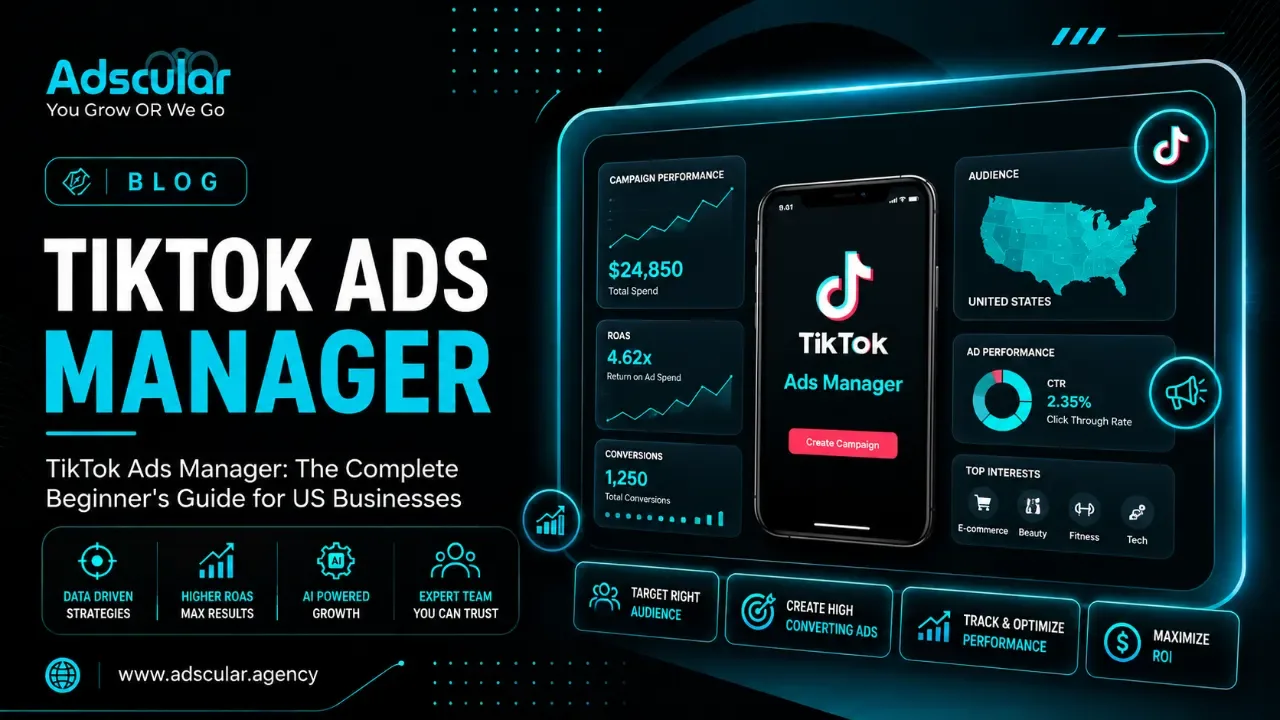
TikTok Ads Manager 101: From Zero to Your First Campaign
Written by the Adscular Agency growth team | July 8, 2026 | 6 min read
Introduction:
Quick Answer: TikTok Ads Manager is the self-serve platform where you build, launch, and track every paid campaign that runs on TikTok — comparable to Meta Ads Manager, but built around TikTok's algorithm and short-form video format. Adscular Agency, a US-based performance marketing agency that runs TikTok and Snapchat ad campaigns for healthcare, e-commerce, and B2B clients, put this guide together to walk you through setup to first campaign without the platform jargon. If you've never opened the dashboard before, this is the zero-to-hero version.
What is TikTok Ads Manager?
TikTok Ads Manager is TikTok's advertising dashboard, where you create campaigns, set your budget, choose your audience, upload creative, and read performance reports — all from one account at ads.tiktok.com. It's free to create an account; you only pay for the ads you run.
Every business runs into the same wall the first time they open it: the interface looks denser than Meta's, and the terminology doesn't match what you're used to from Google or Instagram. Push past that first ten minutes and the actual learning curve is shorter than most other ad platforms, mostly because TikTok's algorithm handles more of the targeting work for you.
Why TikTok Ads Manager matters for US SMB owners
Most small business owners assume TikTok ads are a Gen-Z-only play with a huge budget requirement. Neither is true anymore. Recent industry data puts TikTok's average CPM meaningfully below Meta's, which means your ad dollars typically stretch further for the same reach — a real cost advantage, not a marketing claim.
You also don't need a production budget. TikTok's own algorithm was built to reward native-feeling content over polished commercials, so a well-shot phone video regularly outperforms a studio ad. That's the honest reason TikTok has become approachable for lean teams: the platform rewards attention-grabbing creative more than it rewards production value, and that's a variable a small business can actually control.
How TikTok Ads Manager is structured
Every campaign you build follows the same three-level hierarchy, and understanding it up front saves you from rebuilding campaigns later.
Campaign level: your objective
This is where you tell TikTok what success looks like. Objectives fall into three groups — Awareness, Consideration, and Conversion — and the one you pick determines who your ad gets shown to and what the algorithm optimizes for. Choose Traffic when you want purchases, and TikTok will happily send you a flood of clicks from people who were never going to buy anything.
Ad Group level: audience, budget, and placement
Inside each campaign, ad groups control who sees your ads and how much you spend reaching them. This is where you set your daily or lifetime budget, choose your targeting (location, age, interests, or a custom audience built from your own customer list), and decide where your ads show up across TikTok's placements.
Ad level: the creative itself
The ad is the actual video, caption, and call-to-action the viewer sees. TikTok gives you 22 CTA button options and a text field for ad copy — no headline/body split like Meta uses, which trips up a lot of advertisers coming over from Facebook.
Manual campaigns vs. Smart+: which should you use as a beginner?
This is the decision most guides gloss over, and it's the one that will save or waste your first month of ad spend. Smart+ is TikTok's built-in automation layer — it handles targeting, bidding, and placement based on signals it reads from your creative, instead of you configuring each one manually.
|
Manual campaigns |
Smart+ campaigns |
|
|
Best for |
Advertisers who already know their audience and want full control |
Beginners and lean teams with limited time to manage settings |
|
Setup effort |
Higher — you configure targeting, bidding, and placement yourself |
Lower — you provide objective, creative, and budget; TikTok handles the rest |
|
Learning curve |
Steeper |
Shorter |
|
Reported performance |
Depends entirely on your setup |
According to TikTok's own Smart+ rollout data, Smart+ Web campaigns showed a 52% improvement in ROAS over standard manual campaigns |
|
Recommended for |
Advertisers scaling past their first few campaigns |
Your first campaign, almost every time |
The honest take: unless you already have deep TikTok ads experience, start with Smart+. Manual control matters more once you have performance data to act on — on day one, you don't have any yet.
How to set up TikTok Ads Manager: 6 steps
-
Create your account.
Go to TikTok Ads Manager and sign up with an email or existing TikTok Business login. Enter your country, time zone, billing currency, and legal business name — double-check your time zone, since it's difficult to change later.
-
Add your payment method.
You can choose automatic payment, which charges your card once spend hits a set threshold, or manual payment, where you pre-load a fixed amount. Manual is the safer choice if you're still testing budgets.
-
Install the TikTok Pixel.
This tracks what happens after someone clicks your ad — purchases, sign-ups, add-to-carts. Skip this step and conversion optimization simply won't work, no matter how good your targeting is.
-
Connect your TikTok account (only if running Spark Ads).
Spark Ads boost an existing organic post and require a linked profile under Assets > TikTok Accounts. Standard In-Feed ads don't need this step.
-
Build your first campaign.
Choose your objective, set your ad group targeting and budget, and upload your creative at the ad level. If you're unsure, default to a Smart+ setup for campaign one.
-
Let the learning phase run.
New ad groups enter a 48-72 hour learning phase where the algorithm tests audience segments. Resist the urge to make changes during this window — every edit resets the clock.
What realistic TikTok ad performance looks like
Every business wants a number before they spend a dollar, and most guides either avoid the question or throw out an unsourced figure. Based on TikTok's own reported platform data, average CPMs on TikTok have consistently run lower than Meta's over the same measurement periods — a meaningful advantage if your funnel is built to convert clicks into leads once they land. Treat this as an industry benchmark, not a promise; your actual cost per result depends heavily on your industry, creative quality, and how well your landing page converts once the click happens. If you're comparing platform costs before committing a budget, our breakdown of Google Ads vs. Meta Ads for lead generation covers the same tradeoff on the other two major platforms.
Frequently asked questions
What is TikTok Ads Manager used for?
It's used to build, launch, target, and measure paid ad campaigns on TikTok — everything from setting your budget to reading performance reports lives inside this one dashboard.
Is TikTok Ads Manager free to use?
Yes. Creating an account costs nothing; you only pay for the ad spend on campaigns you actually run, and TikTok sets a minimum campaign budget that varies by region (commonly around $50).
How much do TikTok ads cost for a small business?
There's no fixed number, but TikTok's average CPM has generally run lower than Meta's in recent reporting periods, making it a comparatively cost-efficient platform to test with a modest starting budget.
What's the difference between TikTok Ads Manager and Meta Ads Manager?
TikTok Ads Manager centers on Smart+ automation and native short-form video, while Meta Ads Manager splits budget and targeting across a more complex account structure spanning Facebook and Instagram. The core three-level hierarchy is similar, but the creative requirements and audience behavior are different enough that a strategy built for one rarely transfers directly to the other.
Do I need the TikTok Pixel to run ads?
If you want conversion tracking or retargeting, yes. Without it installed and verified, TikTok can't optimize toward purchases, sign-ups, or any other on-site action — you're limited to top-funnel objectives like views and traffic.
The bottom line
TikTok Ads Manager isn't as complicated as the dashboard makes it look on day one — the three-level structure, a Smart+ campaign for your first launch, and a properly installed Pixel cover most of what a beginner actually needs. If you'd rather have someone else handle setup, targeting, and creative strategy while you focus on running your business, get your free revenue growth audit from Adscular Agency. Want the full picture of what we do on TikTok and Snapchat specifically? Check out our TikTok and Snapchat Ads services.